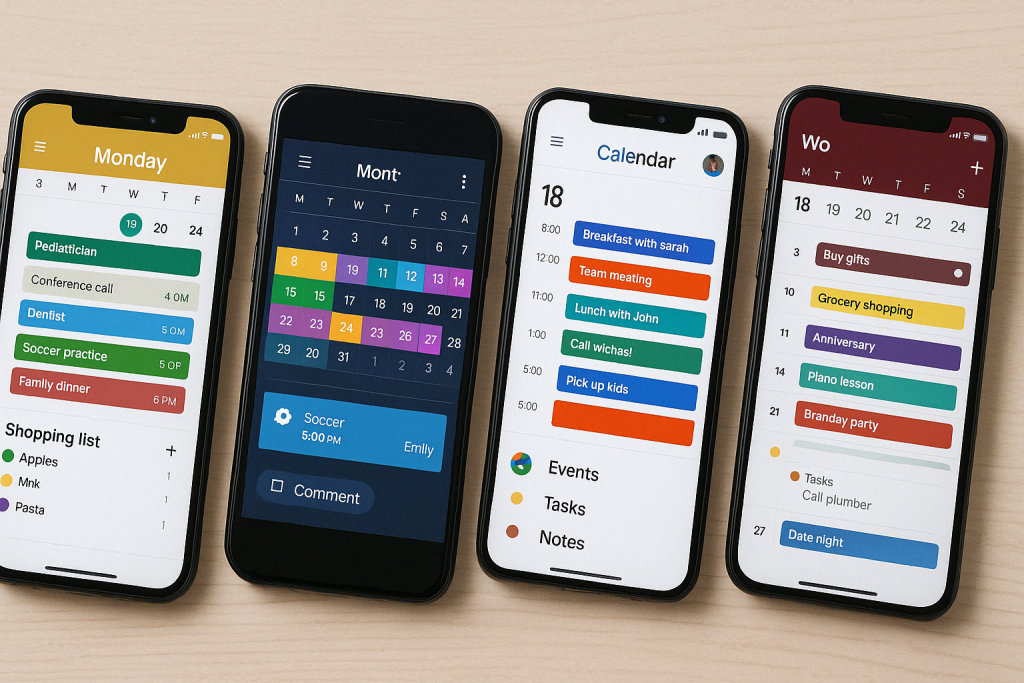
We didn’t notice how many subscriptions our family had until we tried to list them.
One for calendars.
One for learning.
One for fitness.
One for reminders.
One for entertainment.

Each one felt small on its own. Together, they quietly added up — not just in money, but in mental clutter. Multiple logins. Overlapping features. Apps we paid for but barely used.
What surprised us most was realizing that we didn’t actually need all of them.
A few well-chosen family apps quietly replaced several paid subscriptions at once — saving money and simplifying daily life.
Here are the family apps parents use to do more with less.
Why Families End Up With Too Many Subscriptions
Most families don’t oversubscribe intentionally.
They add tools to solve specific problems:
- Organization
- Learning
- Screen management
- Communication
Over time, those tools overlap. Features repeat. Apps compete for attention. And parents end up paying multiple times for the same basic functions.
The goal isn’t to remove useful tools.
It’s to consolidate.
All-in-One Family Organization Apps
Some family apps replace multiple paid tools by combining:
- Shared calendars
- Task lists
- Reminders
- Notes
Instead of paying separately for planners, reminder apps, and list managers, families benefit from one shared system everyone can access.
When everything lives in one place, fewer apps are needed — and fewer subscriptions stay active.
Learning Apps That Cover Multiple Subjects
Families often subscribe to separate apps for reading, math, creativity, and enrichment.
Some platforms quietly cover all of these areas in one place. When kids can explore different skills within a single app, parents cancel multiple learning subscriptions without sacrificing variety.
One solid learning app often replaces three or four niche ones.
Screen-Time & Safety Apps That Do It All
Screen management subscriptions are a common budget leak.
Families often pay separately for:
- Time limits
- Content filtering
- Usage reports
Many modern family apps combine all of these features into one system. When limits, filters, and reports live together, parents spend less and manage less.
Less monitoring usually leads to less conflict, too.
Fitness, Wellness & Routine Apps That Replace Multiple Tools
Some family apps quietly replace:
- Fitness subscriptions
- Meditation apps
- Routine trackers
Instead of paying for separate wellness tools, families use one flexible app that supports movement, calm moments, and daily rhythms.
Consistency matters more than specialization.
Why Fewer Apps Save More Than Money
Reducing subscriptions doesn’t just save cash.
It reduces:
- App switching
- Password fatigue
- Setup time
- Mental load
When families rely on fewer apps, those apps get used more — and actually earn their place.
Most families don’t need more apps.
They need fewer, better ones.
When one app replaces several subscriptions, life feels simpler — and budgets feel lighter. The real upgrade isn’t new tech.
It’s clarity.
Frequently Asked Questions
How do we know which subscriptions to cancel first?
Look for overlap. If two or more apps do similar things, one of them probably isn’t necessary.
Are free family apps good enough?
Often, yes. Many free or low-cost apps include features families already pay for elsewhere.
Is it better to use one app or several specialized ones?
For most families, one reliable, well-used app works better than multiple underused tools.
How often should families review subscriptions?
Every 3–6 months is ideal. Quick reviews prevent forgotten charges and unused renewals.